

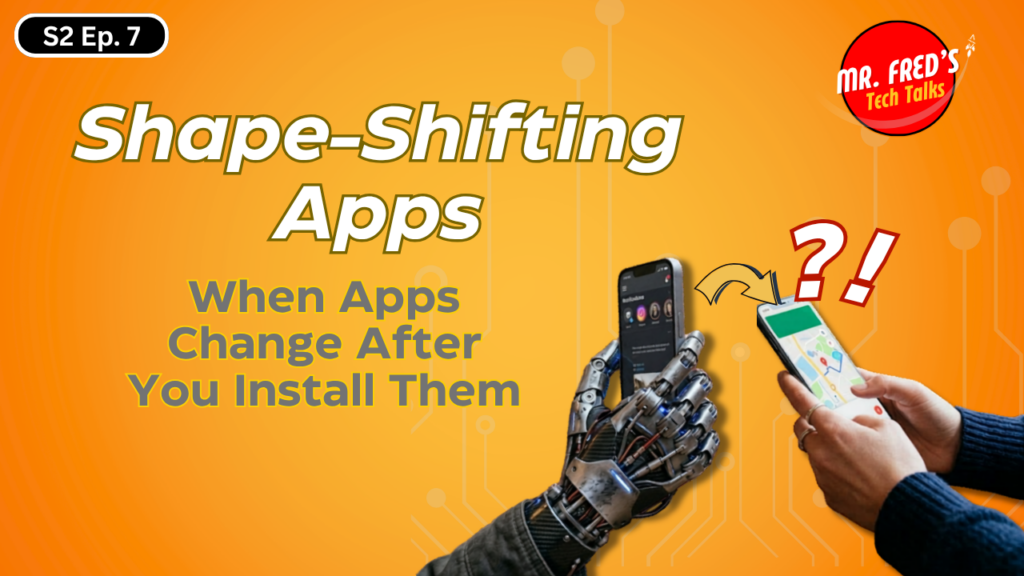
A Hand holding a smartphone that is morphing

Shape-Shifting Apps: The Tech Mystery Hiding in Plain Sight

Whether you are a student in one of my college technology classes or a regular listener of Mr. Fred’s Tech Talks, you know I enjoy digging into topics that make you stop and think a little differently about technology.

Today’s topic is one of those.

It sounds like something out of a science fiction movie, but it is very real and already starting to show up in the apps we use every day. I am talking about shape-shifting apps.

If you listened to the latest podcast episode, you heard me introduce this idea. Here, I want to slow things down a bit and walk through it in a way that helps you really understand what is happening behind the scenes and why it matters.

What Is a Shape-Shifting App?

For most of us, the expectation is simple. You download an app, and it does what it says it will do. Maybe it gets updates over time, but those updates are visible, reviewed, and expected.

Shape-shifting apps challenge that expectation.

These apps can appear completely normal when you install them. They might look like a calculator, a simple game, or a productivity tool. Everything checks out. Good reviews, clean design, nothing suspicious. But after installation, the behavior of the app can change.

Not because you downloaded an update, but because the app is capable of pulling in new instructions or activating hidden functionality after it is already on your device.

That is where things begin to shift, literally.

The Idea of “Ghost Features”

One of the more fascinating aspects of this trend is what I like to call ghost features.

In many modern apps, features are already built into the software but are not visible or active when you first install it. These features are controlled by something called feature flags, which act like switches that can be turned on or off remotely.

This means an app can quietly reveal new capabilities based on how you use it. You might open an app one day and notice something new. A feature that was not there before. No update, no notification, just something that appeared. That feature was not added overnight. It was already there. It was just hidden.

That is a powerful idea, and depending on how it is used, it can be either very helpful or a little concerning.

A Look Behind the Curtain: Dynamic Code Loading (DCL)

To understand how this is possible, we need to talk about a concept called dynamic code loading (DCL).

In traditional software development, most of the code an app needs is packaged and delivered when you download it. What you install is what runs. With dynamic code loading, the app is more like a container. It has a foundation, but it is designed to pull in additional pieces later.  But it feels like something is changing…somethin big…. I digress.

Here is a simplified view of what happens:

The app is installed with its base functionality. At some point, it connects to a remote server. It downloads additional code or instructions. Then it integrates that code into its own operation and begins using it immediately.

All of this can happen without going back through an app store review process.

Now, to be fair, this is not inherently bad. Developers use this approach for legitimate reasons such as reducing app size, delivering updates more quickly, or enabling modular features. However, the same mechanism can be used in ways that are far less helpful.

Where the Risk Comes In

Here is where my cybersecurity background starts to kick in.

App stores (Apple) (Google – Android) typically rely on what is called static analysis. They (the app stores) examine the code of an app before it is approved and made available for download. If the code looks clean, the app is approved. But if the most important behavior is not present until after installation, that initial review may not catch it.

This creates a gap. An app can pass inspection as a harmless tool, but later change into something very different by loading new functionality at runtime. This is why the question we ask about apps needs to evolve. It is no longer just, “What does this app do?”

It is now, “What is this app capable of becoming?”

Real-World Examples

This is not just theoretical. There have already been apps identified that use these techniques in harmful ways. Some have appeared as simple utilities but later acted as spyware. Others have disguised themselves as system updates while attempting to capture sensitive information like login credentials.

A common pattern is what we might call a “sleeper phase.” The app behaves normally for a period of time, avoiding detection. Then, once it is trusted and widely installed, additional functionality is activated.

That delayed behavior makes it much harder to detect and remove.

On-Device vs Cloud Behavior

Another important layer to understand is where the intelligence of the app lives.

Some apps rely on on-device processing, meaning the logic runs directly on your phone. This tends to be better for privacy because your data stays local.

Other apps depend heavily on cloud-based processing, where they continuously communicate with remote servers. This allows for more dynamic updates and behavior changes, but it also introduces more risk since data and instructions are moving back and forth.

Understanding that distinction is becoming an important part of digital literacy.

Not All Bad: Solving App Fatigue

Now, it is important to keep this balanced. There is a positive side to all of this. Many of us deal with what I would call “app fatigue.” Our devices are filled with dozens of apps, each serving a narrow purpose.

Shape-shifting behavior could simplify that. Instead of many separate apps, we could have fewer, more intelligent tools that adapt to our needs. One app might serve as a travel assistant, a learning platform, and a productivity tool depending on the situation.

That kind of flexibility can be very powerful when used responsibly.

Where Vibe Coding Changes the Game

Now let’s take this one step further.

We are entering an era where software is increasingly being created through what is often called vibe coding, where developers describe what they want and AI generates the code. This lowers the barrier to building software significantly. But it also introduces a new challenge.

If AI is generating parts of an application, developers need to be able to understand and verify what was created. Otherwise, we end up with systems that function correctly on the surface but contain logic that has not been fully examined.

For students and future developers, this means the skill set is evolving. It is no longer just about writing code. It is about reviewing, testing, and questioning systems that may have been generated by AI.

Why This Matters

For parents, this means being more aware of how apps behave over time, not just when they are first installed.

For educators, it means helping students understand how systems work beneath the surface.

For students, it is an opportunity to build incredible things, but also a reminder that with that ability comes responsibility.

A Few Practical Tips

There are a few simple habits that can go a long way:

  • Take a moment to look at who developed an app before installing it.
  • Be cautious of unexpected prompts, especially those claiming to be updates.
  • Pay attention to the permissions an app requests and ask whether they make sense.
  • Notice when an app changes behavior and do not ignore that instinct.

Final Thoughts

Technology is moving in a direction where it is no longer static. It is adaptive, responsive, and constantly evolving. That creates incredible opportunities for innovation, learning, and creativity. It also means we need to be more thoughtful about how we interact with it.

The goal is not to be fearful of technology, but to understand it well enough to use it wisely. Because the question we are starting to face is not just whether we can build something.

It is whether we understand what it might become.

If you want to hear the full conversation and how this connects to AI, cybersecurity, and education, take a listen to the latest episode of Mr. Fred’s Tech Talks.

Keep learning. Keep questioning. And keep building.

GetMeCoding.com Mr Fred

Mr. Fred


Start Coding Today In 5 Minutes!

GetMeCoding Learn to Code

Take 5 minutes and try a FREE coding activity!

Let Me Help You

GetMeCoding Mentoring

If you are a teacher or someone looking to help others learn to code, let me help you.

Scroll to Top

it only takes

5 Minutes and 22 Seconds