You point your phone at a little square. A notification appears. You tap it, and suddenly you have a restaurant menu, an event ticket, a website, or a payment screen. We do it so often that the process barely seems interesting anymore. But it is.
In this episode of Mr. Fred’s Tech Talks, I take apart one of those everyday technologies that most of us use without ever asking the obvious question:
How does a QR code actually work? I mean, seriously….weren’t you curious…even just a little?
And there’s an even better question: why can you sometimes cover part of a QR code and it still scans?
QR Codes Are More Than Website Links
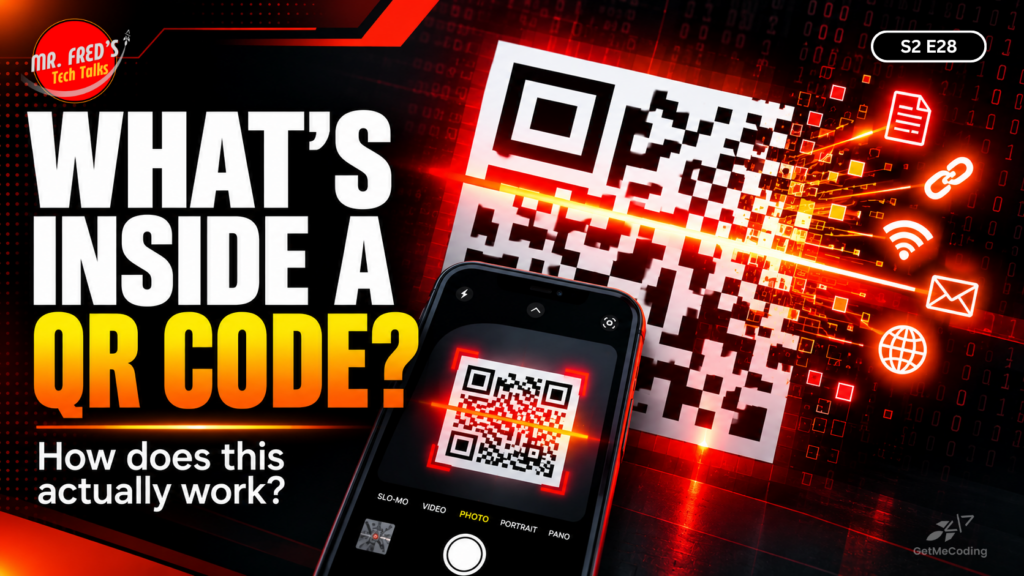
QR stands for Quick Response, but a QR code isn’t simply a button that opens a website. It is a way to visually encode information. That information could be a web address, text, contact information, Wi-Fi details, or other data your device knows how to interpret. Those large squares you see in three corners of most QR codes also serve a purpose. They help a reader recognize the code and determine how it is positioned, which is one reason your phone can often scan one even when you aren’t holding the camera perfectly straight.
The Really Cool Part: Error Correction
This may be my favorite part of the episode. QR codes can contain redundant information that allows the reader to recover some missing data. That’s why a scratched code may still work and why designers can sometimes place a logo over part of one without making the code unreadable. It is a great example of engineers designing technology for the messy real world rather than perfect laboratory conditions.
One QR Code Safety Habit
There is a cybersecurity side to QR codes too. Because you cannot immediately see the information hidden inside the pattern, scammers can create QR codes that point toward fraudulent login, payment, or other malicious pages. QR-code phishing is sometimes called quishing.
You don’t need to be afraid of scanning QR codes. Just remember:
Pause and verify before you tap.
Look at the destination your phone displays. Does the website make sense for what you are trying to do? Be particularly careful if a QR code unexpectedly leads to a page asking for passwords, payment information, or other sensitive data.
Mr. Fred’s Tech Challenge: The QR Code Stress Test
This one is easy and surprisingly fun.
- Create a simple QR code using a QR-code generator. Use a joke, message, or harmless web address.
- Scan it to make sure it works.
- Cover a tiny portion with a small piece of paper or sticky note.
- Scan it again.
- Cover a little more and repeat.
How much can you cover before your phone finally stops recognizing it?
Before starting, have kids or students predict what they think will happen. Then test it.
You’re not just scanning a QR code anymore. You’re experimenting with error correction.
Free QR Code Creators to Try
Want to try the QR Code Stress Test from this episode? Here are a few free tools you can use to create your own QR code:
QRCode Monkey
https://www.qrcode-monkey.com/
A great option for this experiment. You can create free static QR codes, customize the design, and even add a logo. For the Tech Challenge, try creating a simple code and then covering small portions of it to see how much it can handle before it stops scanning.
QR Code Generator
https://www.qr-code-generator.com/
Create QR codes for websites, text, email, Wi-Fi, SMS, and more. For this experiment, look for the option to create a static QR code.
Canva Static QR Codes
https://www.canva.com/apps/QRCode/static-qr-codes
If you already use Canva, this is an easy way to add QR codes to worksheets, posters, scavenger hunts, classroom activities, or family challenges.
Mr. Fred’s Tip
For the QR Code Stress Test, use a static QR code when possible.
A static QR code stores the information directly in the code itself. That makes it ideal for experimenting with error correction because you are testing the QR code rather than depending on a separate redirect service.
Create one. Scan it. Cover a little bit. Scan it again.
Then keep going until your phone finally says:
“Yeah…I got nothing.”
Listen to the Episode
Listen to S2 E28: What’s Really Inside a QR Code? to discover what those little squares are doing, what happens after you scan one, and why understanding everyday technology makes it a lot less mysterious. If you try the QR Code Stress Test, I’d love to hear what happened. Find GetMeCoding on Facebook, Instagram, LinkedIn, or YouTube and share your experiment.
And if you know someone who scans QR codes all the time but has no idea how they work, send this episode their way.
Keep learning. Keep building. Keep tinkering. Keep asking why.