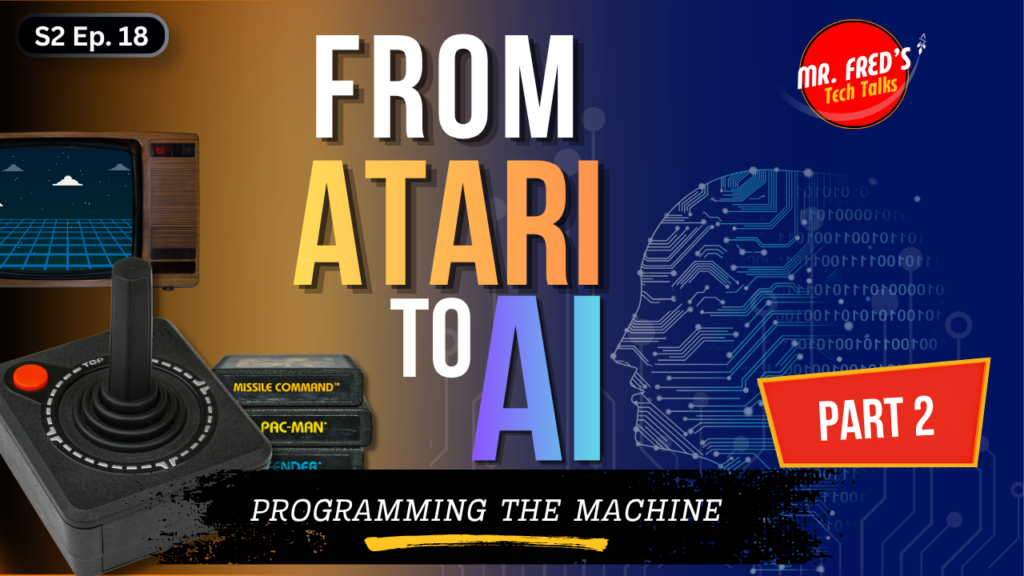
In Part 1, we talked about the Atari 2600. The joystick. The cartridge. The arcade. The moment technology came home and changed everything.
Part 2 is about what happened next.
Because at some point, playing the game was not enough. The question changed. It stopped being “What does this do?” and became “What can I make it do?”
In this episode of Mr. Fred’s Tech Talks, Mr. Fred takes you back to the machines that made him a creator — the Timex Sinclair 1000, BASIC programming, cassette tape saves, and the Apple IIe — and to the Saturday mornings he and his best friend spent building their very first text adventure game, one typed line at a time.
This is Part 2 of From Atari to AI, a series tracing the full arc of personal technology from living room gaming to artificial intelligence. And this installment is about the moment that changed everything: the blinking cursor, and the invitation it carried.
In This Episode
In this episode, Mr. Fred covers:
- the shift from playing technology to programming it — and why that shift still matters today
- the Timex Sinclair 1000, one of the first affordable home computers, and what it was like to write real code on a keyboard that felt like a laminated placemat
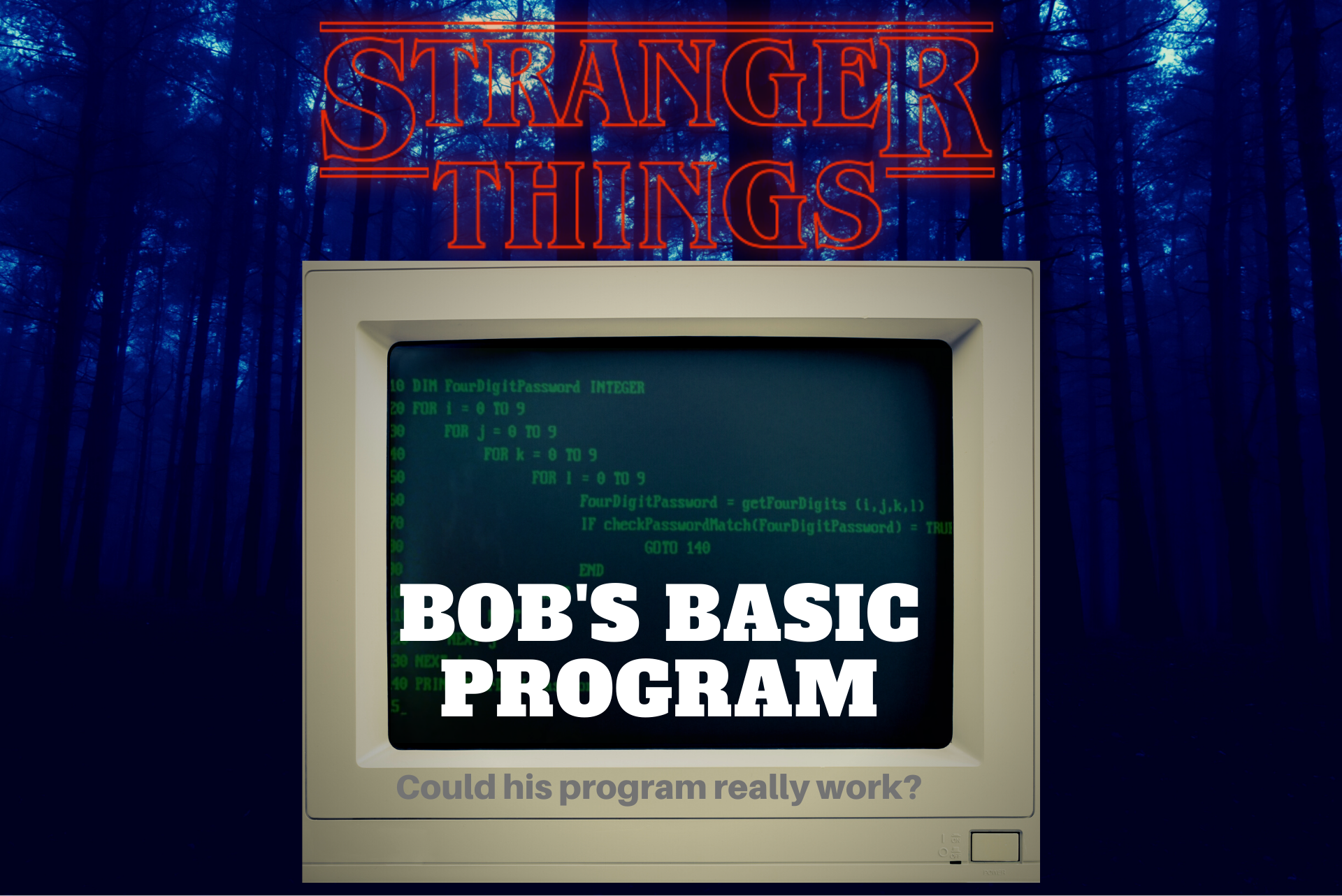
- BASIC programming: what it was, why it was accessible, and what a kid could actually build with it
- a BASIC programming book handed from a generous coworker to a curious teenager — and why that small act of encouragement still matters
- Saturday morning coding sessions and the text adventure game two friends built together, bug by bug
- saving code to cassette tape — including why the volume knob was mission-critical
- the Apple IIe and the first real computer science classroom, where turtle graphics made sequencing and logic click
- the Tech Challenge: Be the Computer, a screen-free activity for families and classrooms that teaches real coding concepts through laughter
This episode is designed for parents, teachers, students, and anyone who has ever wondered how we got from Atari joysticks to AI chatbots. No technical background required.
The Big Idea
Every programmer started somewhere.
For Mr. Fred, it started with a blinking cursor and a tiny computer that connected to the family television. Not a game cartridge. Not a menu. Not an app. Just a blank screen that said: well? What are you going to do?
That is the shift this episode is really about. The moment you stop reacting and start instructing. The moment you realize the machine does not understand what you mean — only what you type. And the moment you press Enter, the code runs correctly, and something in you changes.
That shift from player to programmer, from user to creator, is why GetMeCoding exists. And for a lot of people who grew up in the early 1980s, it started with a flat little keyboard and a programming book someone believed in you enough to hand over.
The Timex Sinclair 1000
The Timex Sinclair 1000 was released in 1982 at a price of $99.95 — which made it, at the time, the least expensive computer ever sold in the United States. It had just 2KB of RAM, connected to a standard television, and used a flat membrane keyboard that offered very little tactile feedback.
By today’s standards, it was almost impossibly limited. But it ran BASIC, and that was what mattered.
BASIC — which stood for Beginner’s All-purpose Symbolic Instruction Code — was a programming language designed to be readable and learnable. You could type commands, create loops, ask for user input, and make decisions. You could write software, even if that software was small, slow, and not exactly polished.
For a kid who had only ever used technology to play games, seeing the computer respond to typed instructions was a revelation. The machine was not running a cartridge anymore. The machine was running something you wrote.
The Timex Sinclair 1000 was eventually recognized by the Smithsonian Institution for its role in making computing accessible to everyday households. It was far from powerful. But it opened a door.
Saturday Morning Coding
One of the richest stories in this episode is the one about Saturday mornings.
Mr. Fred and his best friend spent those mornings working through a BASIC programming book and building a text adventure game together on the Timex Sinclair 1000. No cinematic cutscenes. No graphics to speak of. Just words on a screen, choices, logic, and branches.
You are standing in a room. Do you go left or right?
And yet — they built it. Together. Line by line. Bug by bug.
That process, of collaborating to create something that did not exist before, is exactly what GetMeCoding is trying to give kids today. The tool changes. The experience of making something with your own instructions, and then seeing it actually run, does not.
Debugging was part of that process too. When the player was supposed to walk into a cave and ended up back in the forest, that was not a failure. That was a clue. What did the code say? What did they want it to do? Where did those two things stop matching?
That kind of thinking — clear, patient, systematic — is a life skill, not just a coding skill.
Cassette Tape Saves
Here is where the story starts to sound made up.
To save their BASIC program, Mr. Fred and his friend connected a regular audio cassette recorder to the computer. The computer converted the code into audio tones — beeps, screeches, and warbles — which were recorded to the tape. To reload the program, they rewound the tape, pressed play, and waited.
And hoped.
Because the volume had to be set just right. Too low and the computer could not read the signal. Too high and the audio distorted. Sometimes it worked on the first try. Sometimes it did not work at all, and the whole process started over.
Compare that to today, where a student’s document saves to the cloud automatically before they finish typing. The contrast is almost impossible to fully appreciate unless you lived through both.
But there is something worth preserving in that memory. Cassette saves taught patience, planning, and the very real lesson that technology can be amazing and infuriating at the same time. That particular lesson has not changed at all. Only the shape of the frustration has.
The Apple IIe and the Computer Classroom
Around the same time, Mr. Fred encountered the Apple IIe through his first real computer science class in high school.
The Apple IIe, introduced in 1983, became one of the most widely adopted computers in American schools during the 1980s. Where the Timex Sinclair was home tinkering, the Apple IIe in a school computer lab felt official. Serious. Structured.
One of the concepts introduced in that class was turtle graphics — a programming approach, originally developed as part of the Logo language, in which a virtual “turtle” on screen follows step-by-step movement commands to draw shapes.
Move forward. Turn right. Move forward. Turn right. Do that four times, and the turtle draws a square.
It sounds simple. But the lesson underneath it is not. Turtle graphics teach sequencing, angles, loops, and cause and effect. They teach that a computer does exactly what you instruct it to do — not what you intend, not what you mean, but what you actually typed. That is the beginning of computational thinking.
That Apple IIe classroom connected the curiosity Mr. Fred was exploring at home with a subject worth studying. It said: this is not just a hobby. This leads somewhere.
Tech Challenge: Be the Computer
This episode’s Tech Challenge is called Be the Computer, and it is one of the best ones yet.
- Choose your roles.
One person is the programmer. One person is the computer. More people can take turns in each role — this works great with groups.
- Give step-by-step instructions for a simple task.
The programmer picks something simple: draw a square, stack three books, walk across the room, or make a peanut butter and jelly sandwich. Then they give instructions out loud, one step at a time.
- The computer does exactly what is said.
No guessing. No filling in the blanks. No understanding what was meant. If the programmer says “put the peanut butter on the bread” without saying “open the jar first,” the computer places the jar directly on top of the bread.
Which is terrible sandwich design. But excellent computer science.
- Debug the instructions.
After the first run, talk through what went wrong. What step was missing? What needed to be more specific? What assumption did the programmer make that a computer would never make?
- Try again with improved instructions.
This activity works for families at home, classrooms, youth groups, and any gathering where people want to understand coding without starting on a screen. It tends to become funny quickly. That is not a problem. Learning sticks when people are laughing.
Final Thought
The Atari said: play this.
The Timex Sinclair said: type something. See what happens.
The Apple IIe said: learn the structure. This leads somewhere.
Together, those machines helped Mr. Fred see technology not just as entertainment, but as a tool for thinking, storytelling, problem-solving, and creating. That is the bridge this series is building — from the living room to the classroom to the AI tools that shape everything today.
If you have ever had a moment where you pressed Enter and something worked — and felt that particular, quiet thrill — you know exactly what this episode is about.
That feeling is still available. For kids today, the tools are different. But the experience of making something and watching it run is exactly the same.
Keep Exploring
If you enjoyed this episode, here are a few ways to keep going:
- Listen to Part 1: From Atari to AI — When Technology Came Home
- Explore more episodes on the podcast page
- Share this episode with someone who remembers BASIC, cassette tapes, the Apple IIe, or the first time they made a computer do something
Part 3 of the From Atari to AI series is coming. We will move into the Commodore 64, floppy disks, the IBM PS/2 Model 25, and the early steps toward the connected world that became the internet. Technology keeps changing. Curiosity is how we keep up